

AI Integration Quick Reference
AI Integration Quick Reference
DEFAULT | TILE | SPOTLIGHTCSS Class Reference
Layout Containers
Action Buttons
Examples
Basic Styling
This example applies colored backgrounds to buttons and dotted borders to containers to visualize the layout structure:- CSS
DEFAULT
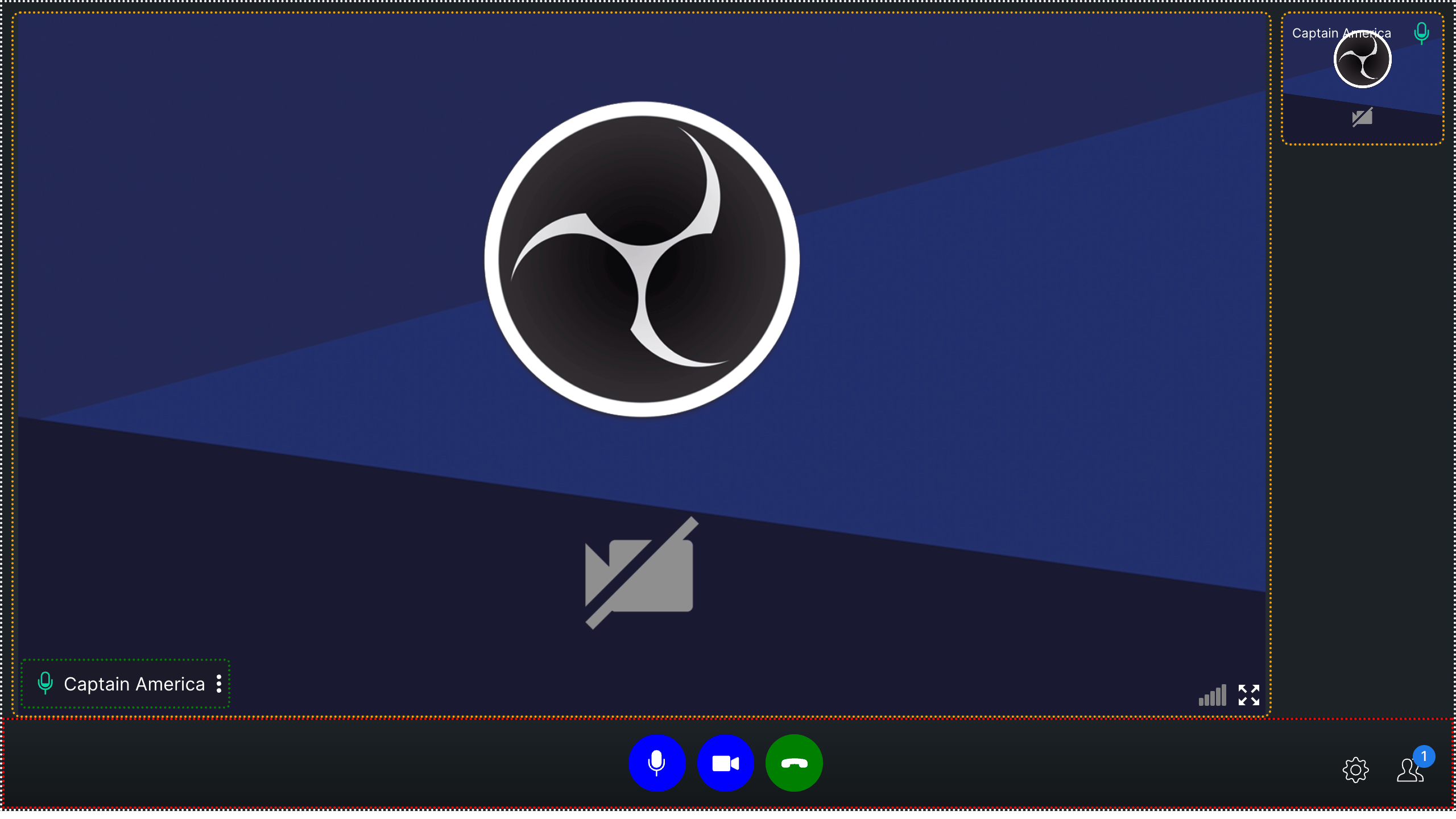
TILE
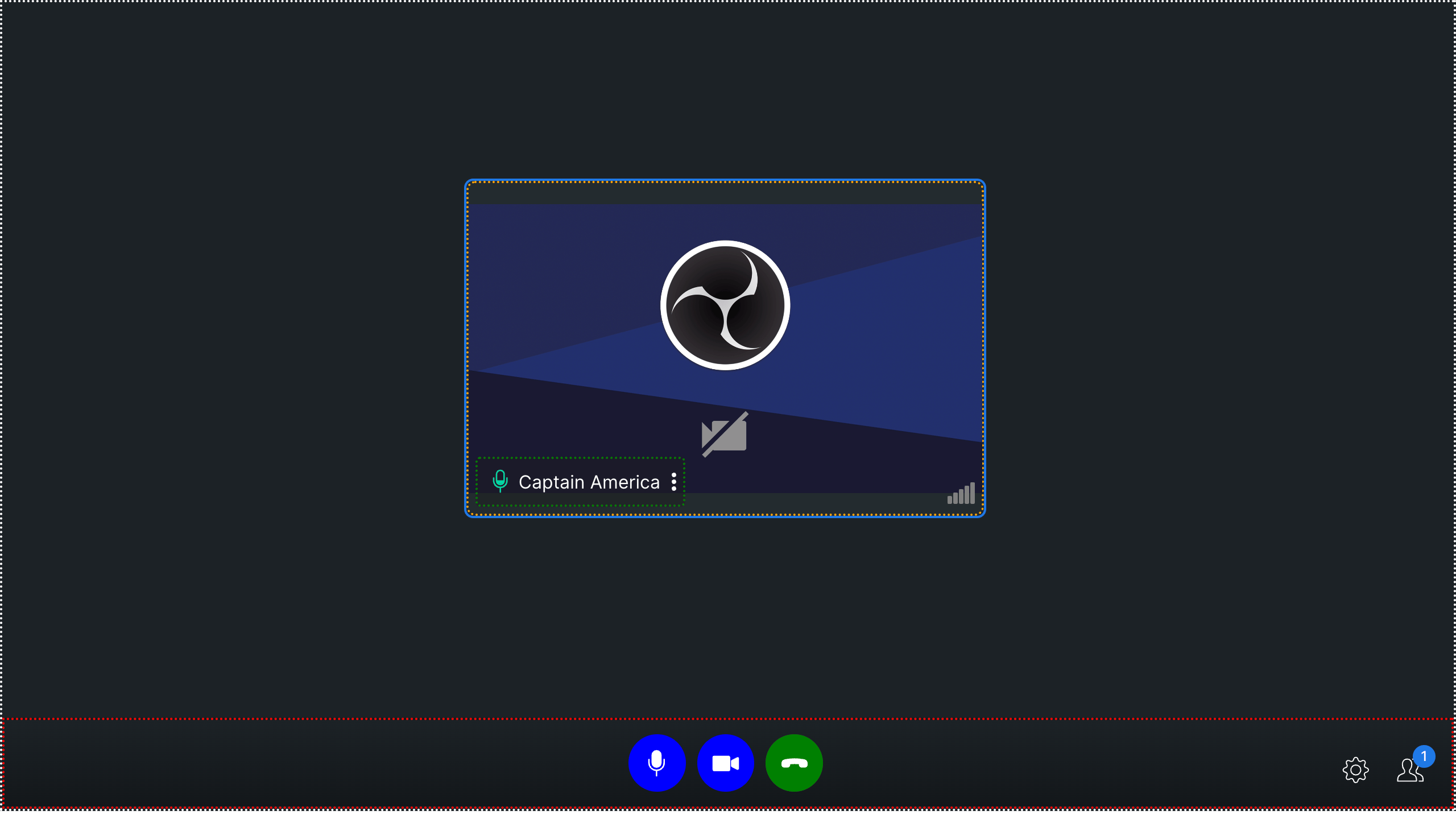
SPOTLIGHT
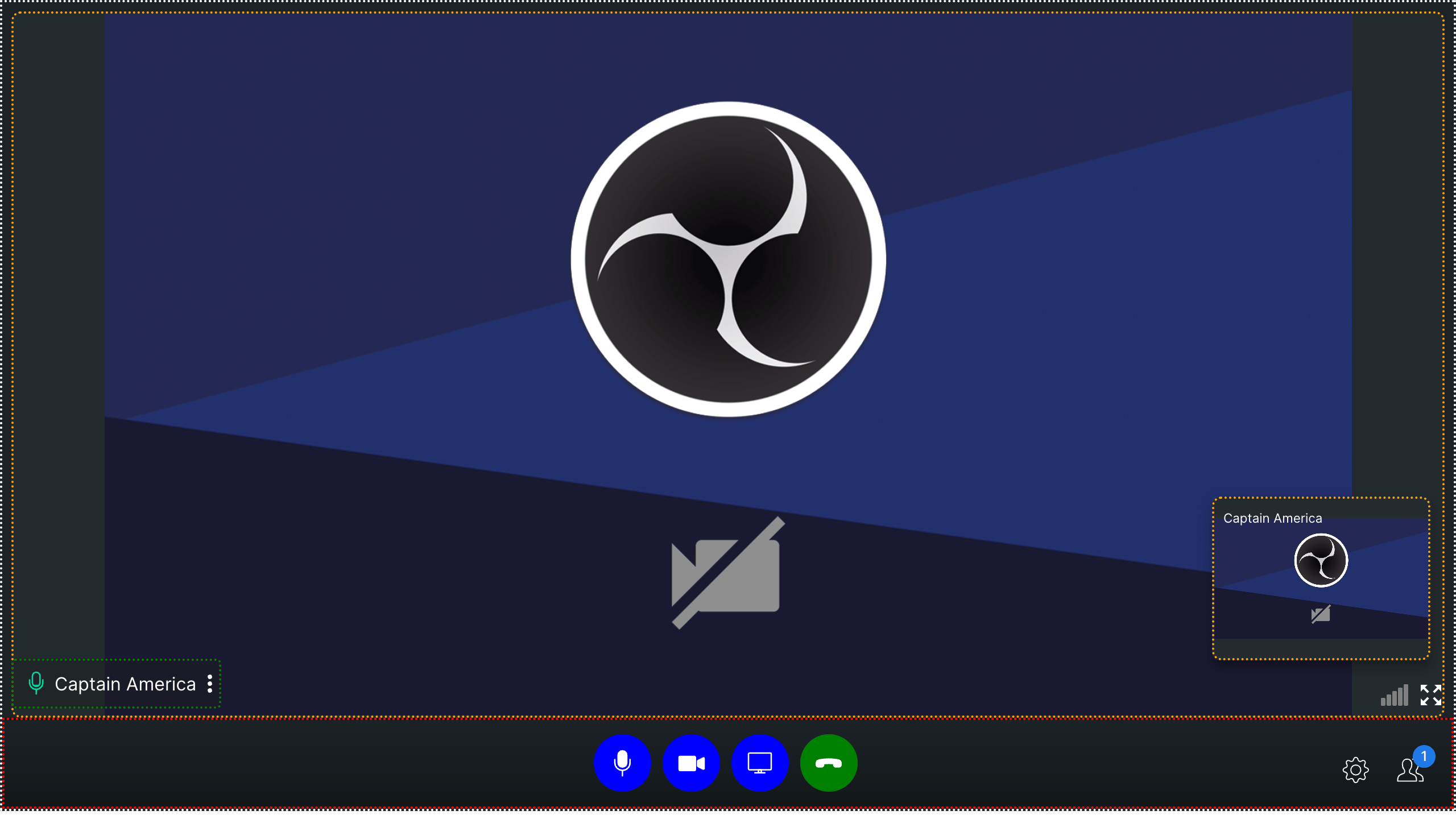
- CSS
Polished UI
This example shows a more refined customization with rounded buttons, custom spacing, and a patterned video background: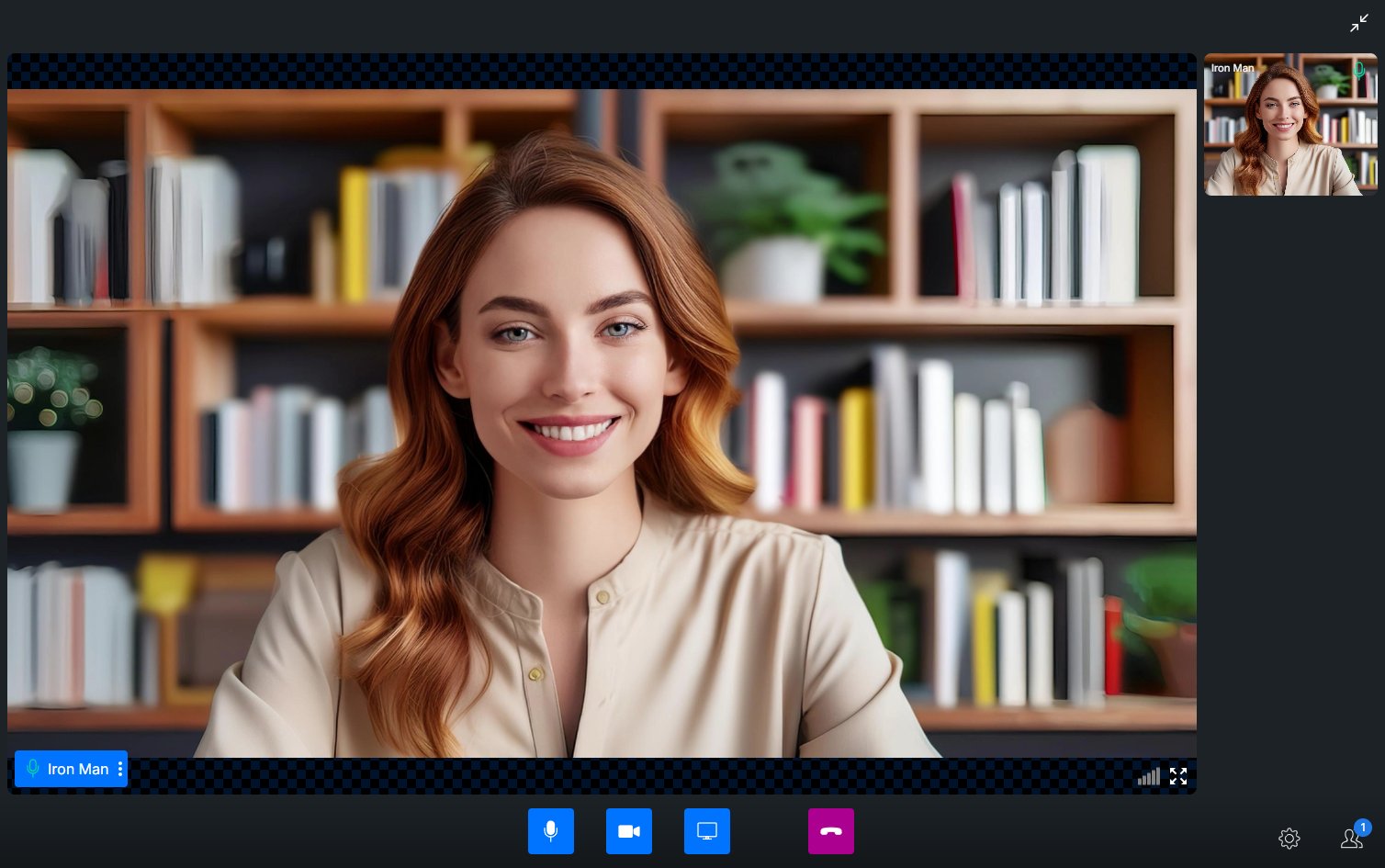
Next Steps
Video View Customization
Customize video call layout and participant tiles
Virtual Background
Apply blur or custom image backgrounds during calls
Calling Overview
Overview of all calling features and approaches